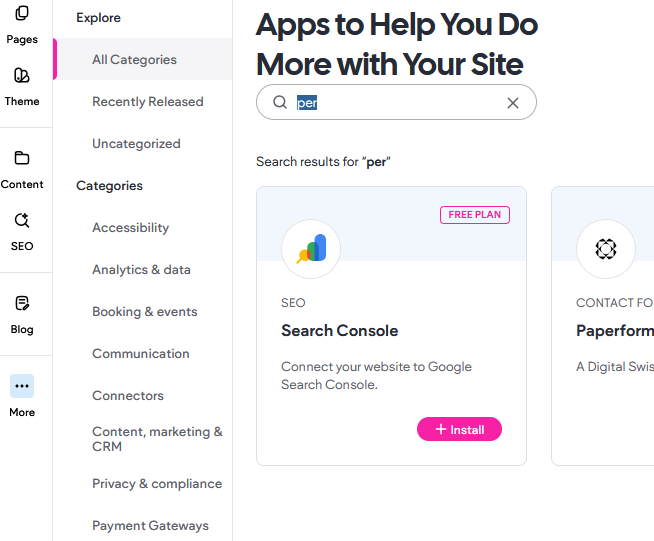
If Google search results are showing outdated or incorrect information for your website, this is normal behavior.
Google does not update its index immediately after changes are made. Re-indexing can take up to 8 weeks.
What You Can Do
Update Meta Titles and Descriptions
Ensure your page titles and descriptions are correct in your site’s SEO settings.
Republish your site after making updates.
Request Re-indexing via Google Search Console
Add and verify your website.
Use the URL Inspection Tool to request indexing.
Update Your Google Business Profile (if applicable)
Make sure your website URL and business details are correct.
Important Note
Even after requesting indexing, updates may take time to appear. This delay is controlled by Google and cannot be sped up further.
Was this article helpful?
That’s Great!
Thank you for your feedback
Sorry! We couldn't be helpful
Thank you for your feedback
Feedback sent
We appreciate your effort and will try to fix the article