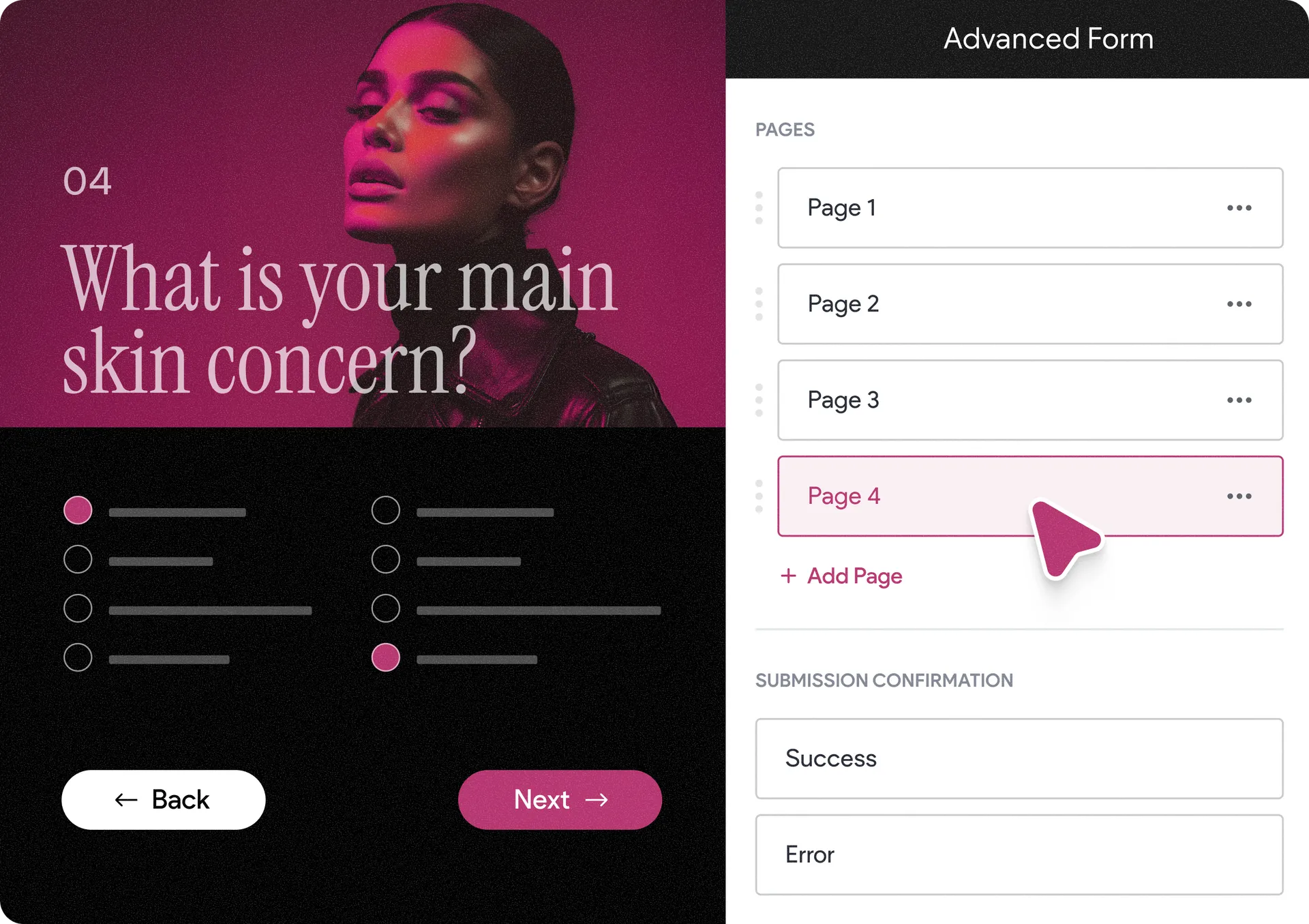
Advanced Forms Get Multi-Step Support: Less Friction, More Submissions
We’ve added multi-step form functionality to our platform’s Advanced Form widget (currently in beta).
This is a new way to create smoother, more focused form experiences that convert better. Instead of overwhelming visitors with a long list of questions, you can now break forms into multiple steps — with each page showing just one question or a small, relevant set of questions.
Smoother flows, higher completion rates
This step-by-step approach keeps visitors engaged and reduces friction, making forms feel easier and faster to complete.
Whether you’re building lead forms, questionnaires, or more complex requests, multi-step forms give you greater control over the user experience.
Complete design freedom by default
The Advanced Form gives you full control over layout and design from start to finish — and the new multi-step capability is no exception.
You can easily tailor forms to match your brand and business needs using any widget and all the design tools available in Editor 2.0, helping you create experiences that are both visually strong and high-converting.
How to get started with multiple form steps
In the editor, click + Add in the side panel.
Select the Advanced Form widget.
Add multiple form pages (steps).
Insert form fields into each step and customize them as needed.
Once your form has two or more steps, a back button will automatically be added, which you can also customize.
Here’s to better forms — and more leads for your website.
Was this article helpful?
That’s Great!
Thank you for your feedback
Sorry! We couldn't be helpful
Thank you for your feedback
Feedback sent
We appreciate your effort and will try to fix the article