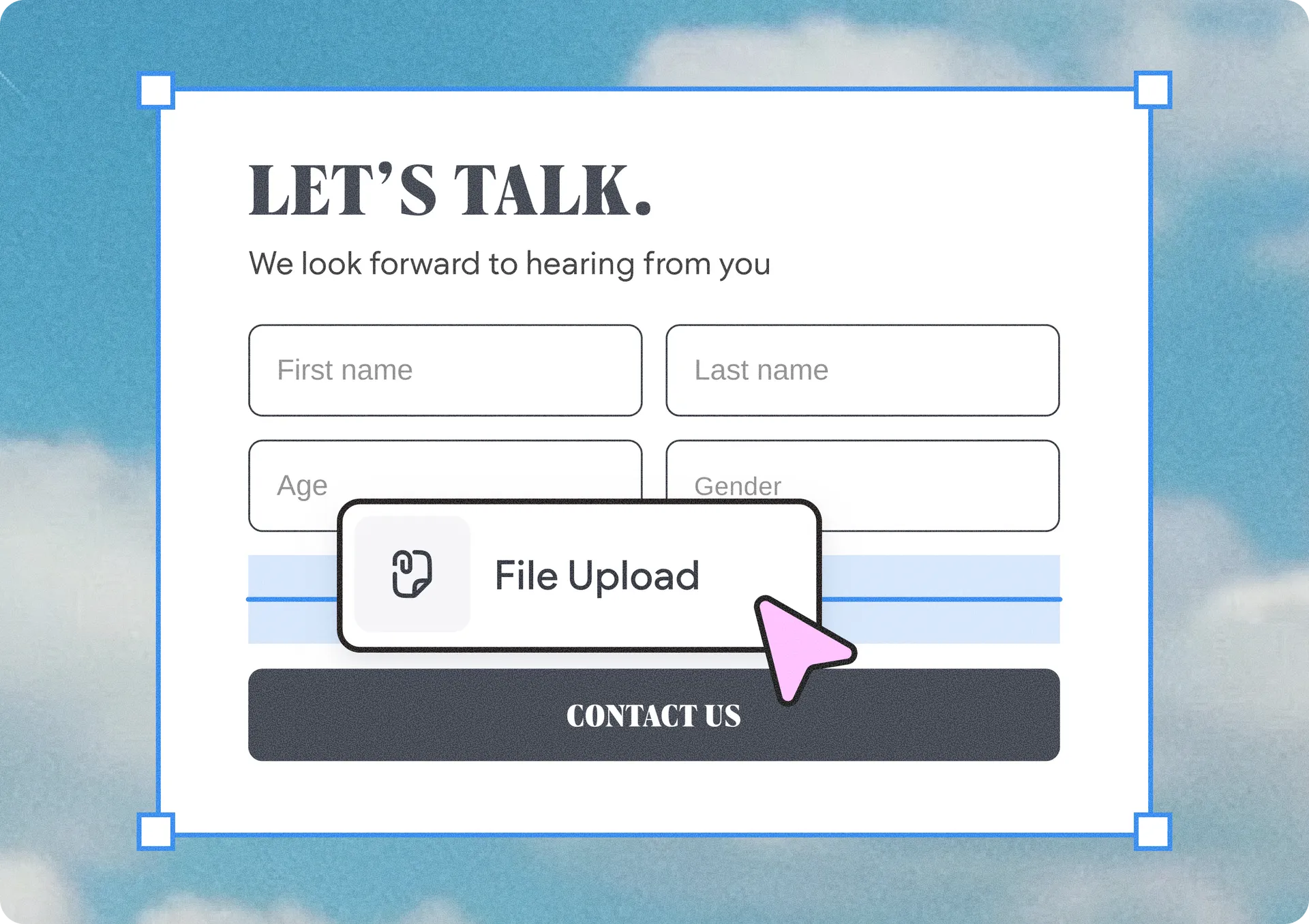
Advanced Form gets a new element: file uploader
You can now add a file upload field to your Advanced Form, allowing visitors to upload multiple files at once, including photos, CVs, PDFs, and other documents. This lets you collect everything you need upfront and streamline interactions with customers and prospects.
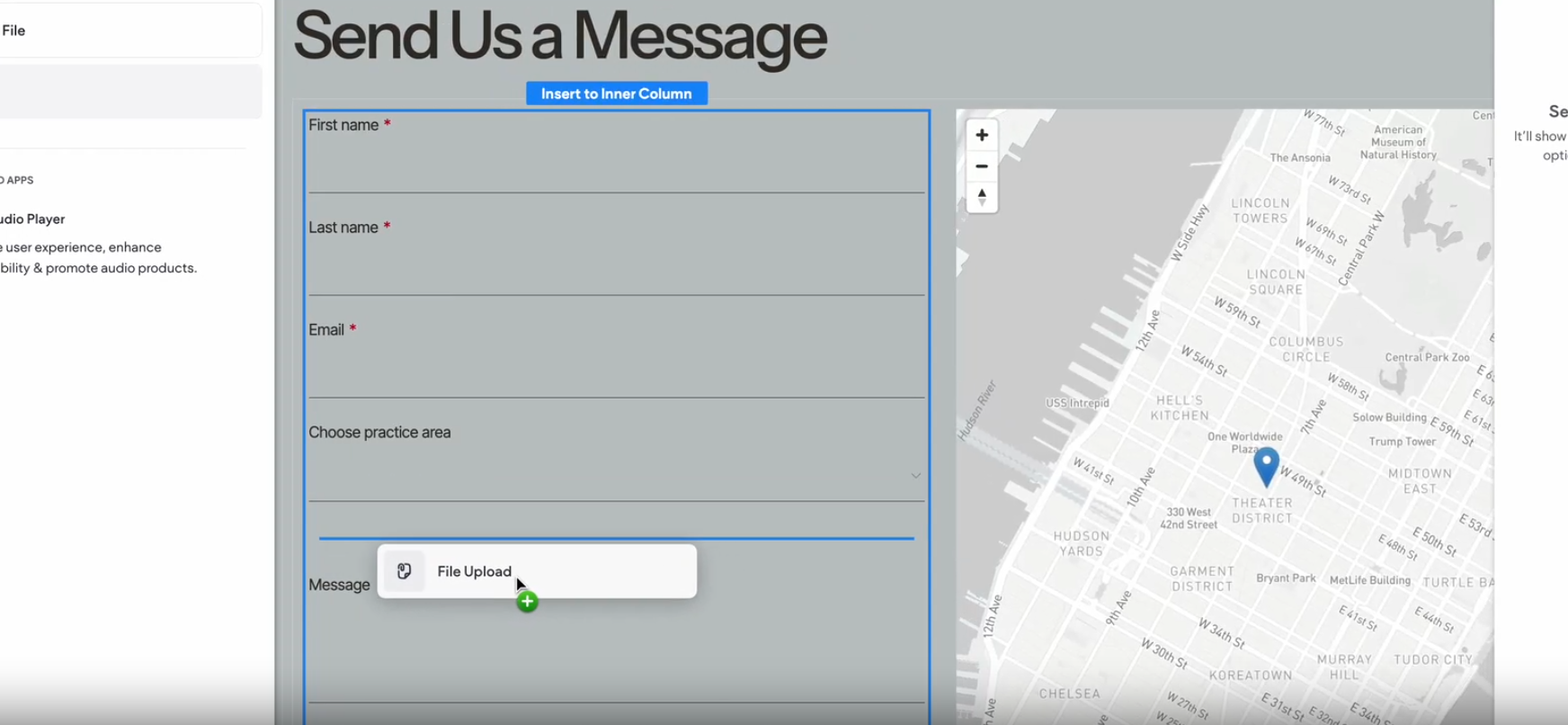
Instantly import meta tags with Copilot
When you go to the SEO > Page SEO section in your site dashboard and select the Import SEO Meta Tags menu option, it’ll automatically open the Copilot chat with the relevant prompt. Simply upload your spreadsheet file with your prepared meta tags per page, and Copilot will do the rest.
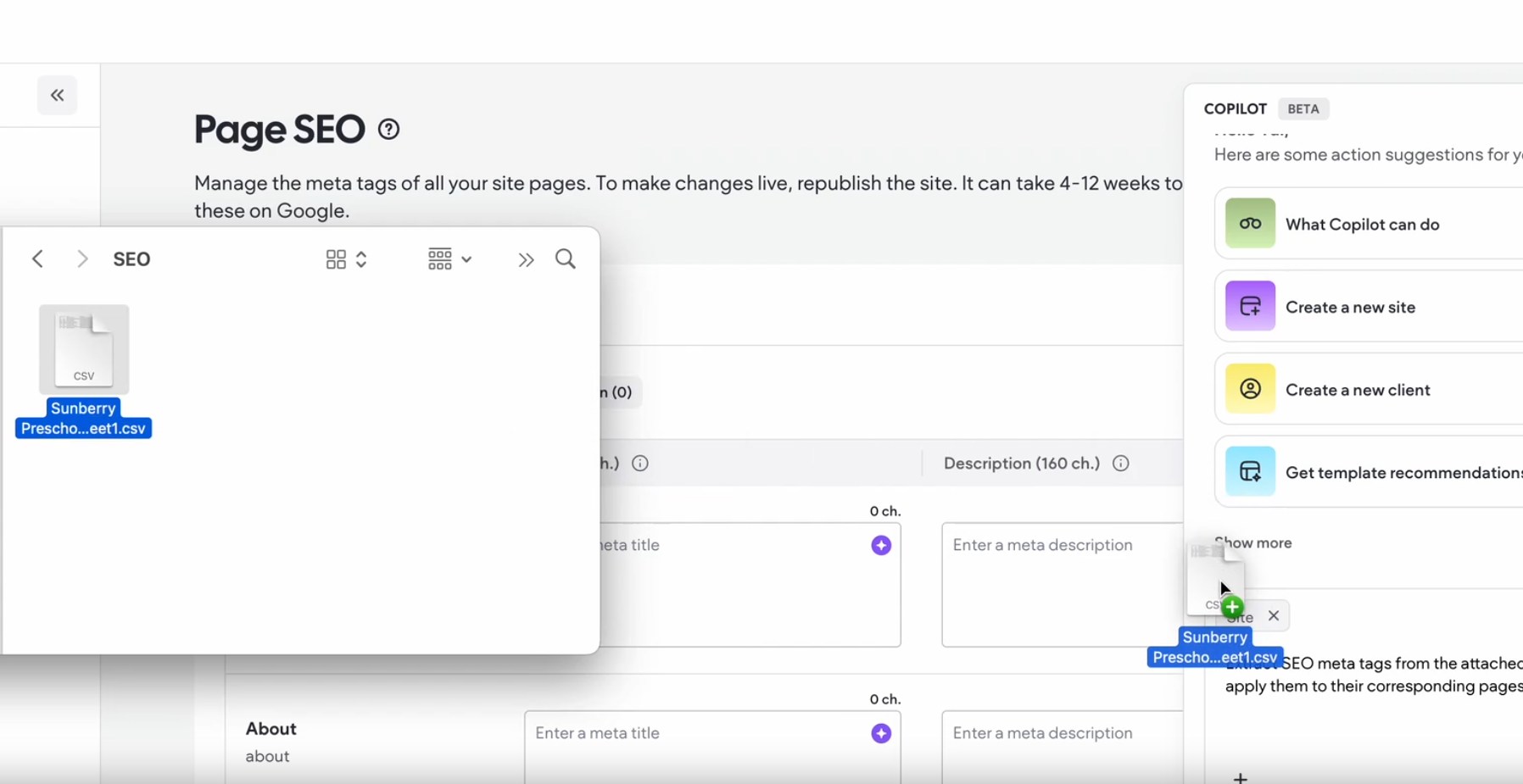
Set up 2-trigger animations to wow your site visitors
You can now apply two animations at once—one on hover and one on entrance or scroll—to create richer interactions without having to choose between discoverability and delight.
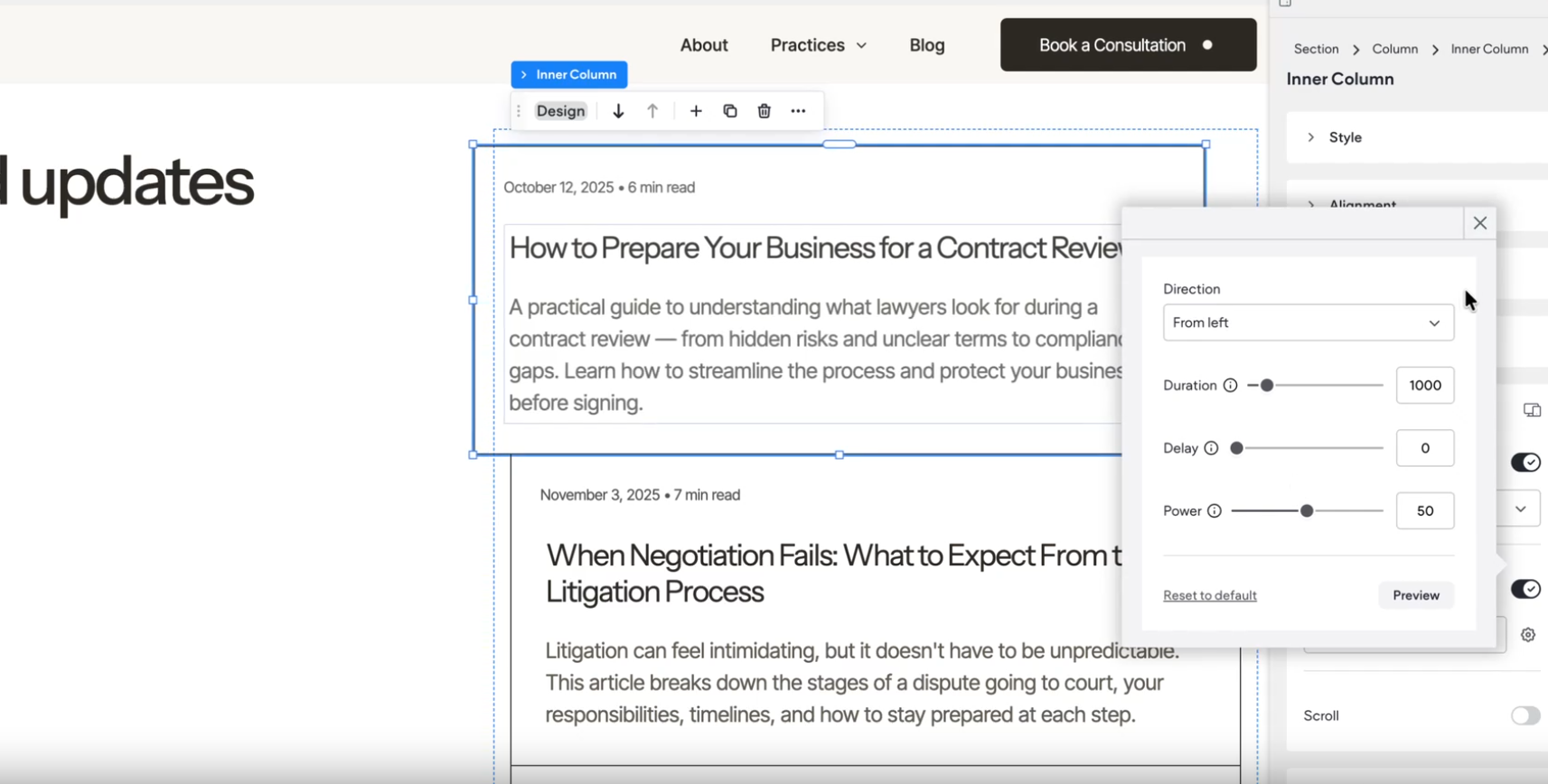
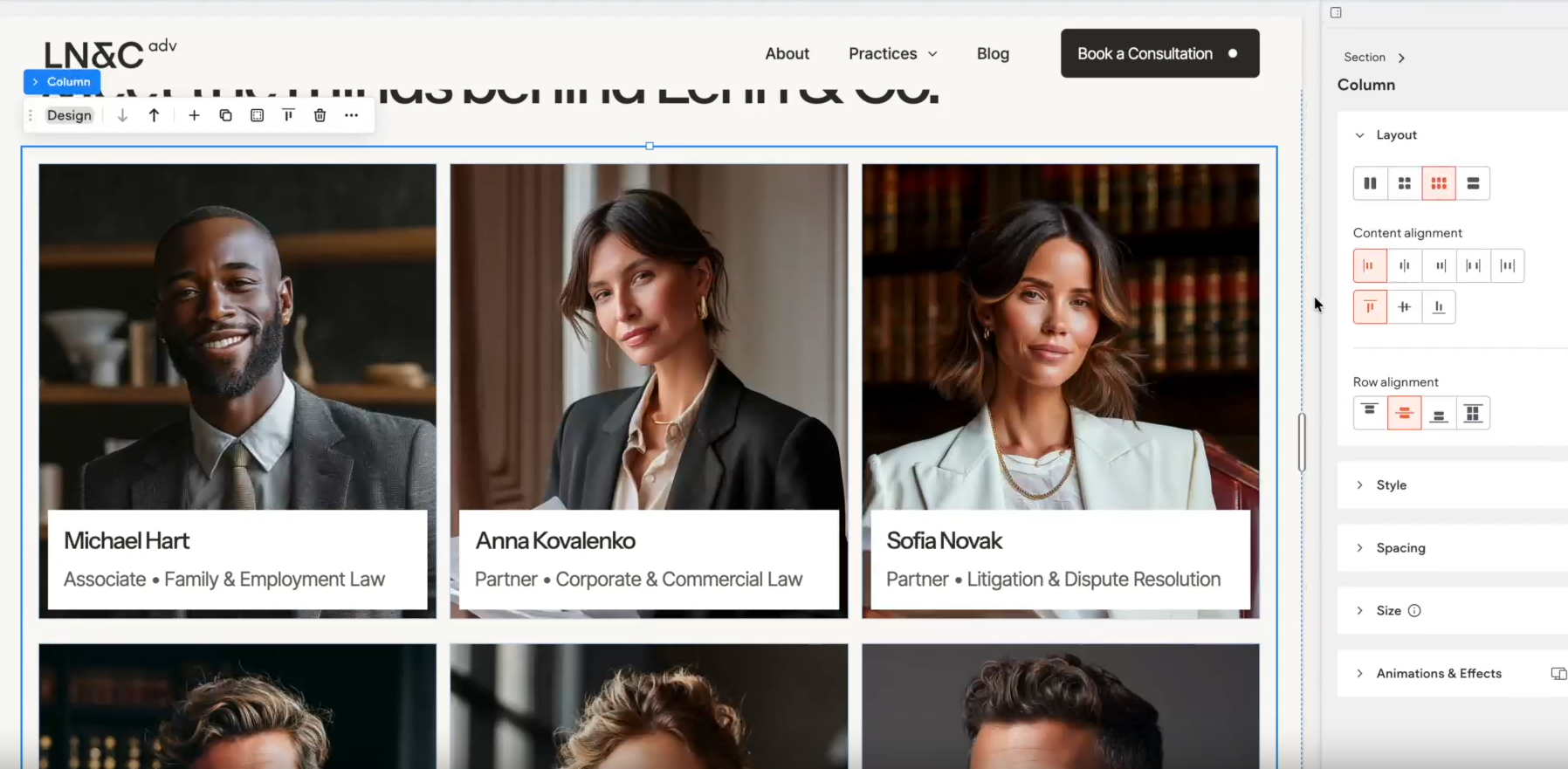
Streamline design with layout control over columns and inner columns
Work faster on the canvas by applying layout settings to columns and inner columns with a single click. Click the outer edge of a column or section to select all columns or inner columns within it, then choose a layout to apply it instantly.
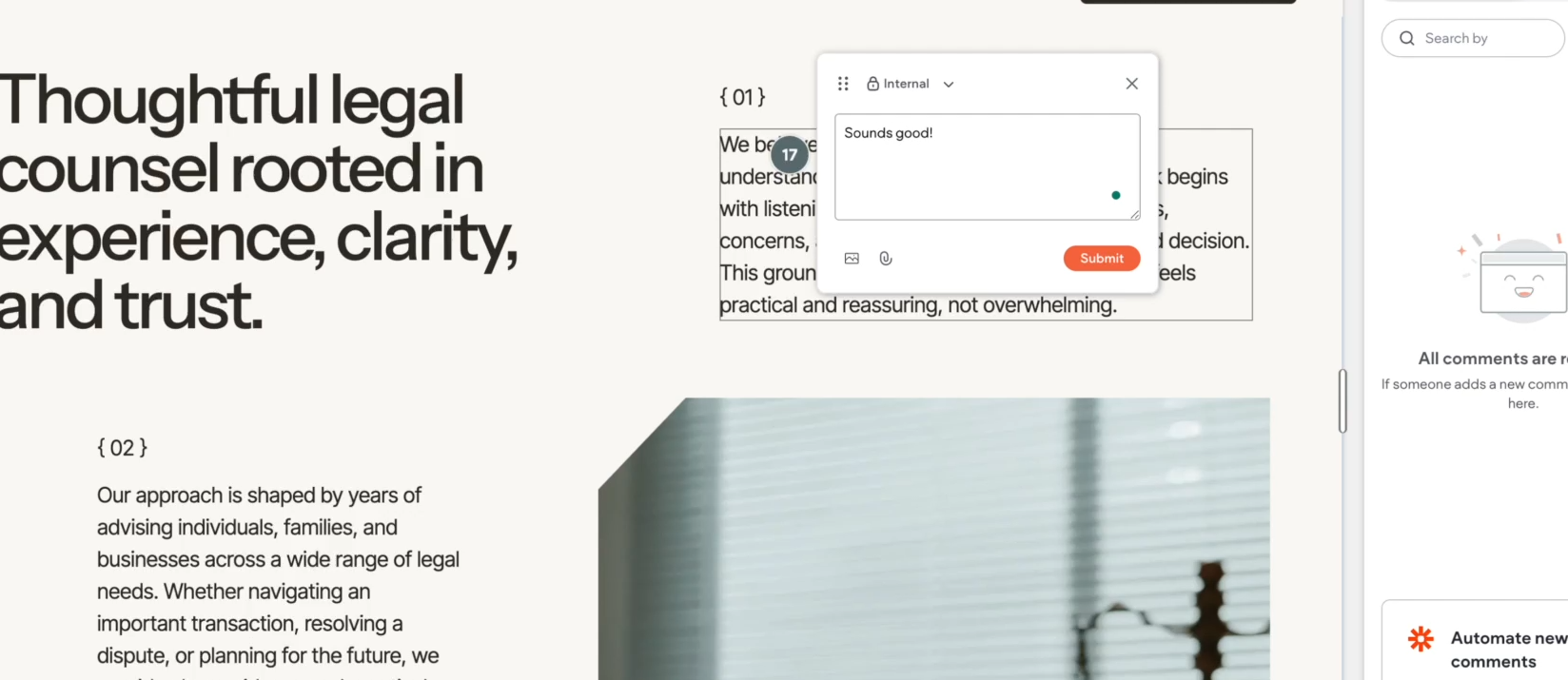
Keep Site Comments visible while working on the canvas
You can now toggle an option to keep Site Comments visible on the canvas while you edit, helping you stay focused and work more efficiently as you apply feedback to your design.
Keyboard shortcuts are also available to speed up your workflow even further:
Open Site Comments: Press
CClose Site Comments: Press
EscToggle keep comments visible on canvas: Press
Shift+C
Was this article helpful?
That’s Great!
Thank you for your feedback
Sorry! We couldn't be helpful
Thank you for your feedback
Feedback sent
We appreciate your effort and will try to fix the article